 JobDone Pro
Everything you need to document your work
A complete toolkit for construction documentation — from the first photo on site to the PDF report your client signs off on.
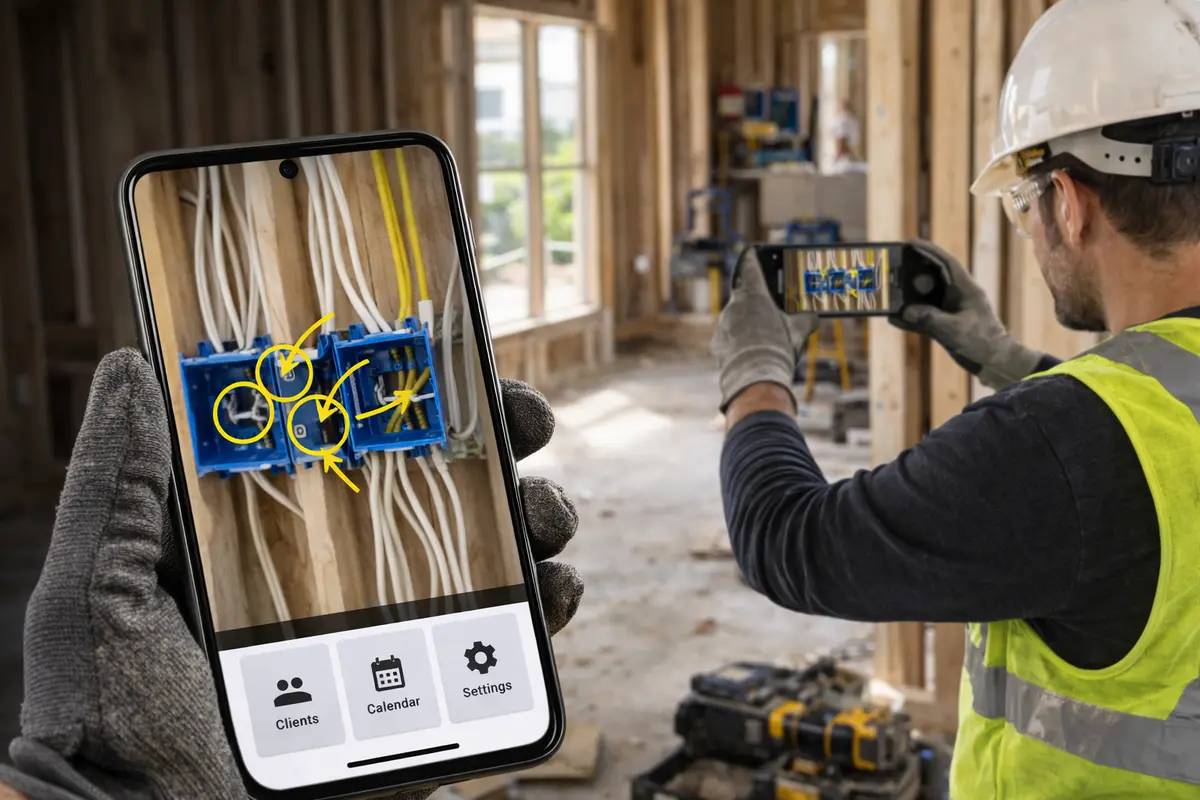
Instant photo capture
Take photos straight from your phone or import from your gallery. Add annotations, timestamps, and location tags so every shot is traceable. Capture the job as it happens — no paperwork, no delays.
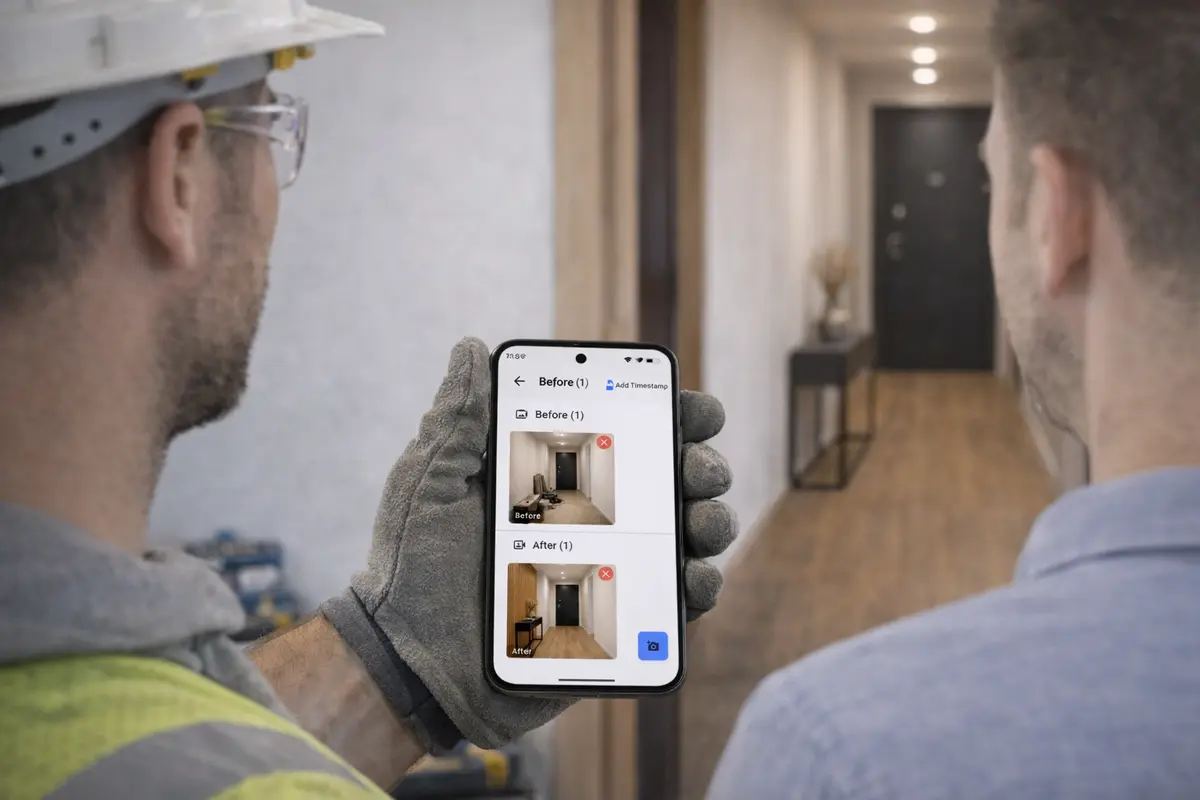
Before and after comparison
Show exactly what changed. Place before and after photos side by side in the same report — clients see the full scope of your work without needing to be on site. Ideal for renovation and refurbishment jobs.
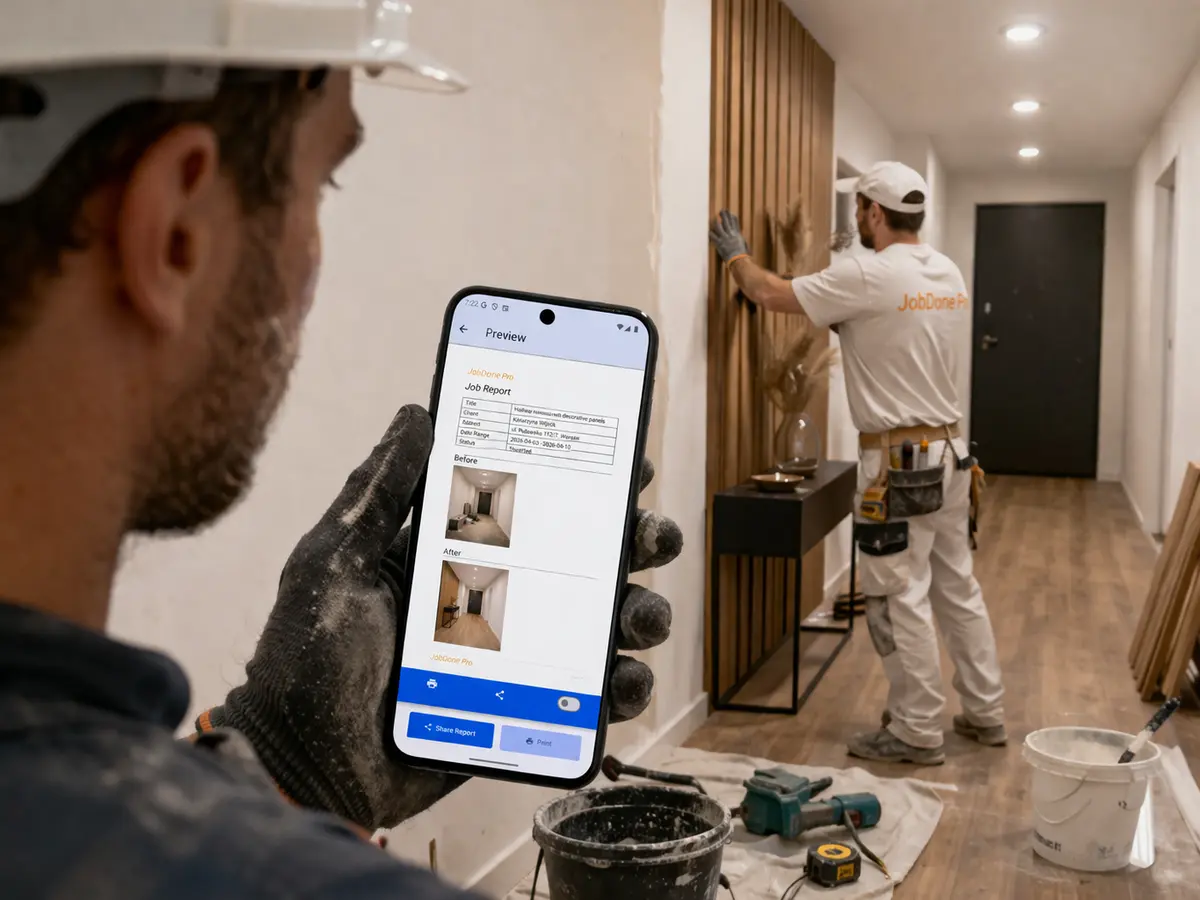
Professional PDF reports
Generate a branded PDF report in one tap. Your company name, logo, photos, notes, and timestamps — formatted automatically. Send it to the client the moment the job is done, not three days later.
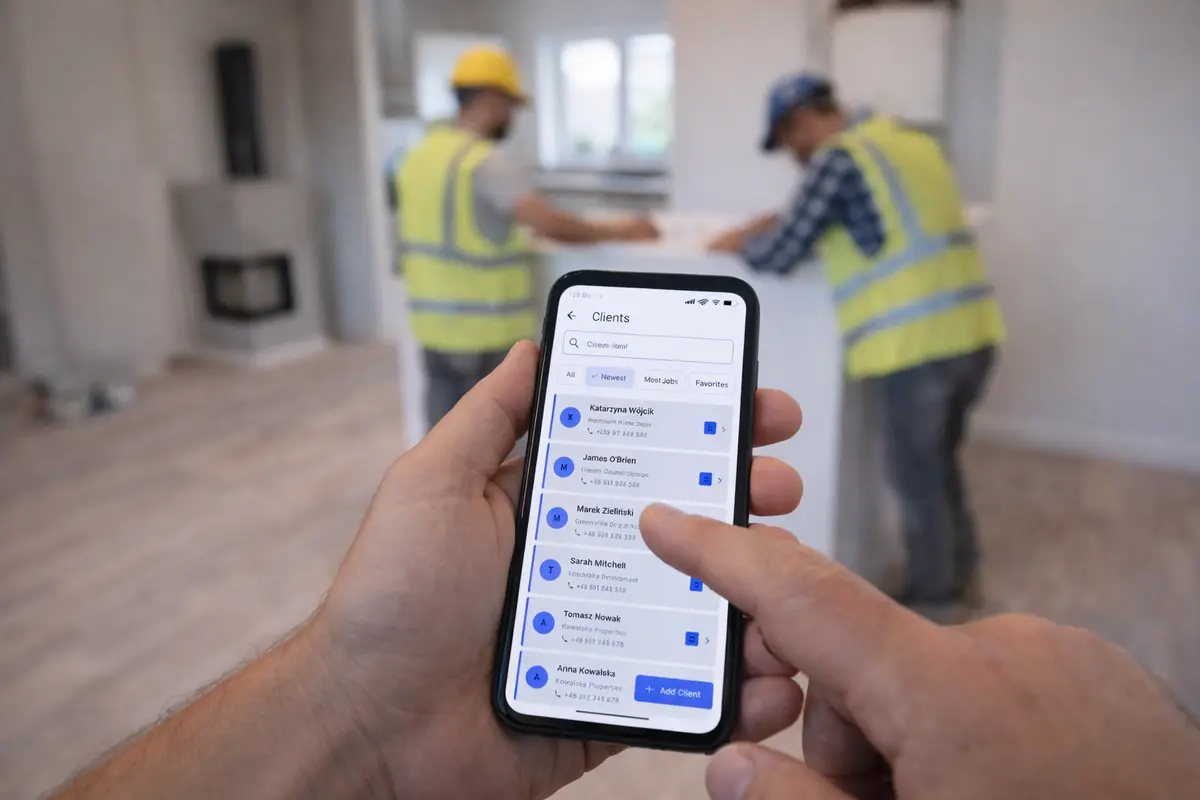
Share directly with clients
Send the finished report to your client via email or any messaging app. They receive a clear, professional document — no app needed on their end. Builds trust and speeds up payment.
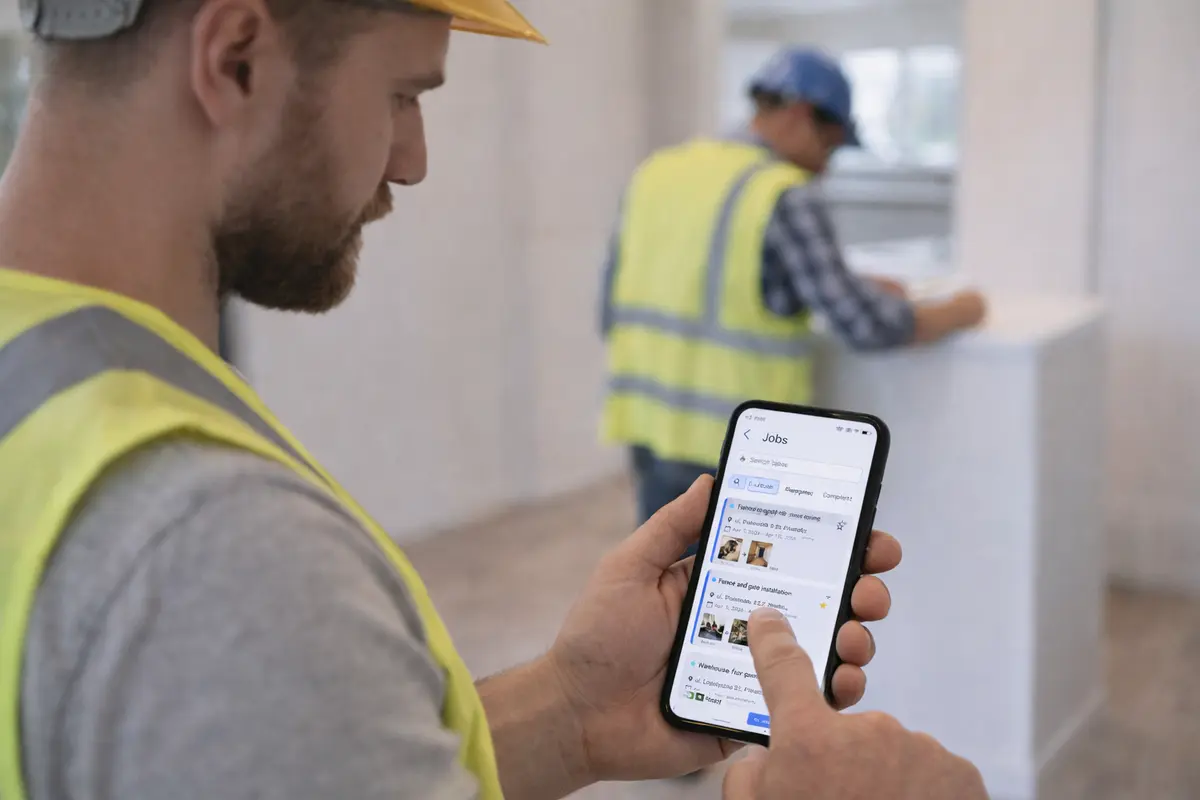
Manage all your jobs
Keep every job organized with status tracking, search, and favorites. The calendar view shows what's scheduled, what's in progress, and what's done. Never lose track of a job again.

Works offline, syncs automatically
No internet on site? No problem. JobDone stores everything locally and syncs to the cloud the moment you get a signal. All your jobs, photos, and reports stay safe and accessible from any device.